
We recommend using Google Chrome while using the advisor web 🤓 If, for some reason, it is not possible to access Google Chrome, please use Firefox.
Please note that the Advisor Web platform does not support Edge, Safari, or any other browser.
How do I download and install Google Chrome?
Please visit the Google Chrome help centre and follow the instructions: Download and install Google Chrome - Computer - Google Chrome Help
Login to Google Chrome
Signing into Chrome ensures that all your Chrome data—such as bookmarks, history, and other settings—is synced to your Google Account and available on any device where you sign into Chrome.
Please use your Liva email address while you are using Google Chrome.
Why keep Chrome updated?
Normally, updates happen in the background when you close and reopen your computer's browser. But if you haven't closed your browser in a while, you might see a pending update:
We strongly recommend Get a Chrome update when available, as issues with Advisor Web might occur if the software is not updated!
If an update is pending, the icon will be colored:
- Green: An update was released less than 2 days ago.
- Orange: An update was released about 4 days ago.
- Red: An update was released at least a week ago.
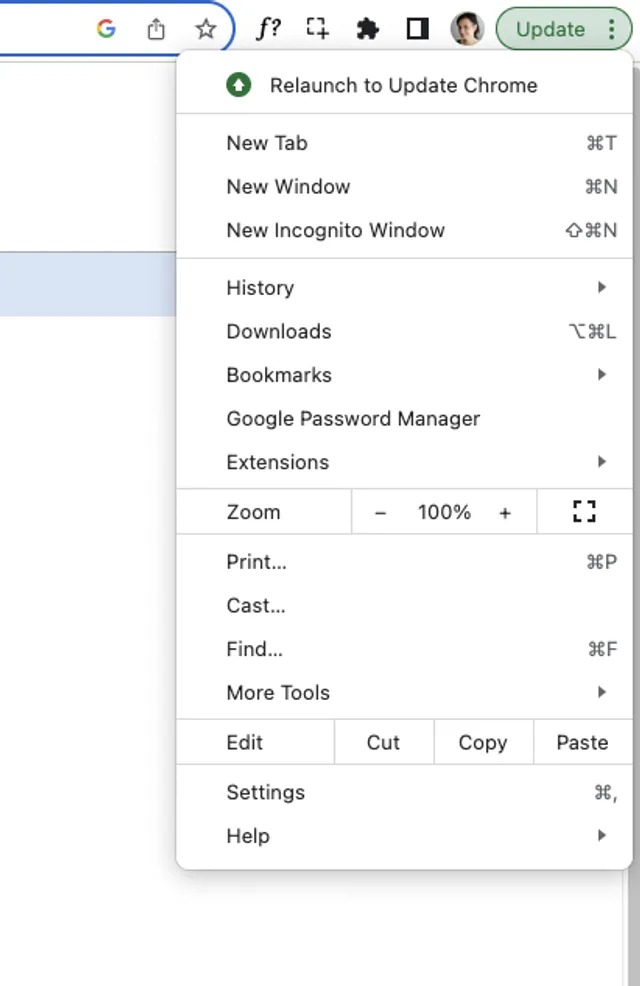
If you need guidance on how to update Google Chrome, please visit Google Help Centre: Update Google Chrome - Computer - Google Chrome Help